December 12, 2022
Streamline Your Graphic Design With These Tools

Are you looking to up your graphic design game? Here are a few tools and resources we use to support our content creation efforts.
The Basics: Graphic Editing Tools
Adobe Photoshop and Illustrator
As the go-to software duo for many professional graphic designers, Photoshop and Illustrator dominate the creative world with their industry-proven, comprehensive toolkits. While Photoshop provides great capabilities for editing rasterized images such as photos (as implied by its name), Illustrator enables users to create and edit vector files such as logos and icons.
Like other products in the Adobe family, one may face a steep learning curve to fully master either of them, but tutorials are widely available on YouTube, LinkedIn Learning, and Udemy.
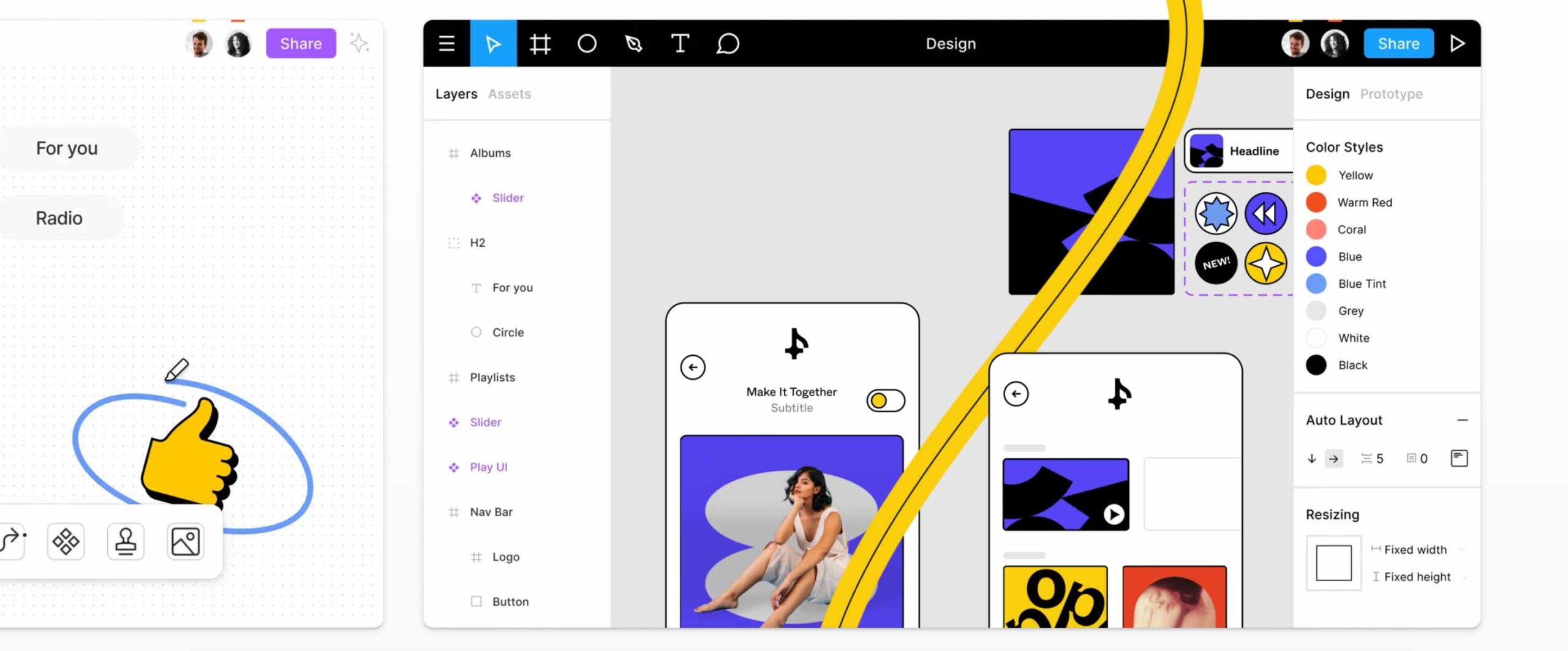
Figma
Figma is a unicorn in the industry, like Google Docs for graphic and UI design. In addition to real-time collaboration, users can also leave comments on specific locations on the file. This feature makes brainstorming, version management, revision, and iteration much more effortless. Its web-based interface includes a complete set of design tools that meets the needs of both rookie and seasoned designers. Users can export their works into various file formats and continue editing them with other mainstream tools like Adobe Illustrator, XD, or Sketch.
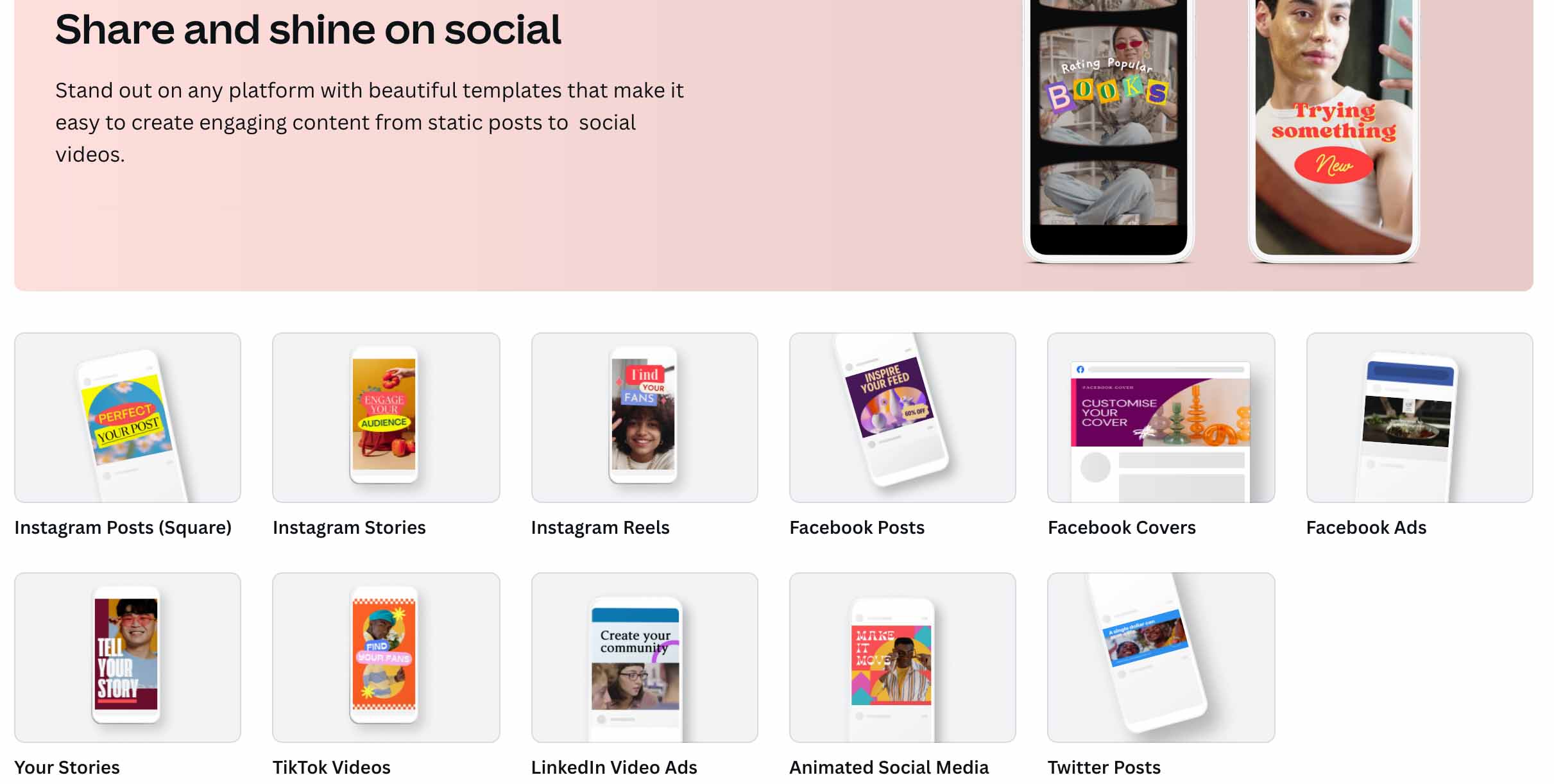
Canva
Enjoying increasing popularity among social content creators, Canva comes with an intuitive, user-friendly interface that includes the most used editing tools and an extensive pool of templates and stock assets, including illustrations, photos, videos, and music. Besides many ready-to-use designs (static and animated), users can create their own brand kits with customized templates, color palettes, fonts, and logos.
What makes Canva even better is its capabilities for presentation deck development. Users can create impressive slideshow decks for their following quarterly report or business pitch by leveraging all its assets, effects, and templates.
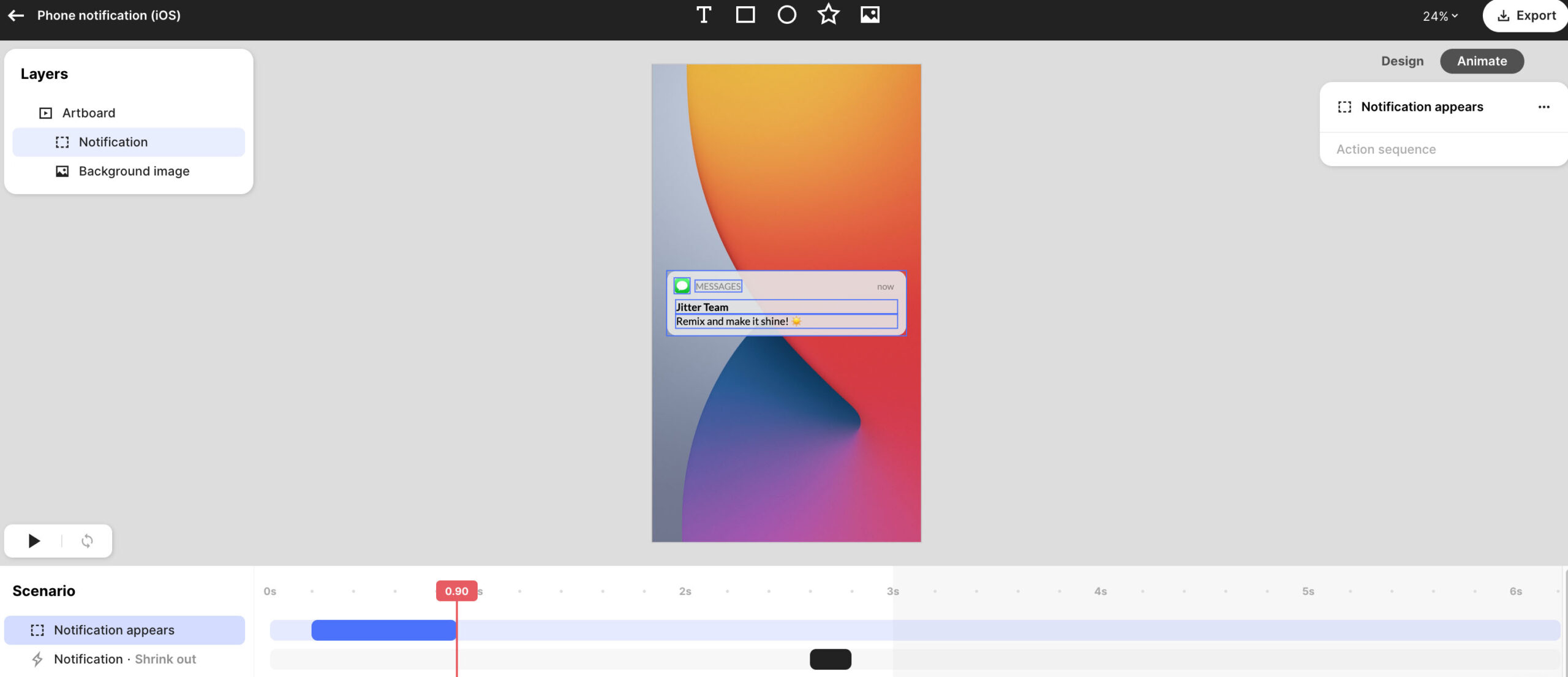
Jitter
A lesser-known name than the ones above, Jitter focuses on motion graphics and can be an excellent addition to any content creation toolkit. Users can turn their static images into eye-catching video clips perfect for Instagram Stories or Reels within a few clicks. For busy social media managers, Jitter’s templates eliminate a lot of work otherwise required for motion graphic programs like Adobe After Effects.
Bonus Tools To Spice Up Your Design
Stock image sites
Free sites like Pixabay and Unsplash provide many versatile assets, from photos to 3D renderings. If budget allows, you can find more assets on sites such as iStock and Adobe Stock, where a complete library of high-resolution images and videos is available.
Customizable illustrations
Often overlooked but quite useful, some sites allow users to create unique illustrations with styles and colors of their own choice and export them as jpg, png, or even SVG (vector) files. Incorporating these illustrations with Canva templates allows you to customize further and jazz up your designs. Try Undraw and Blush; many other good sites are just within a Google search.
Icons
Icons can effectively jazz up the entire design, whether a social graphic or a PowerPoint slide. On Iconfinder and Flaticon, there are a variety of high-quality icons in different styles. You can also customize them using the native tools on these sites.
Templates
Many independent designers create social templates and sell them on sites like Creative Market at affordable prices. And here’s a secret for those interested: many marketplaces provide weekly free items for registered users to download.
Last but not least: inspiration
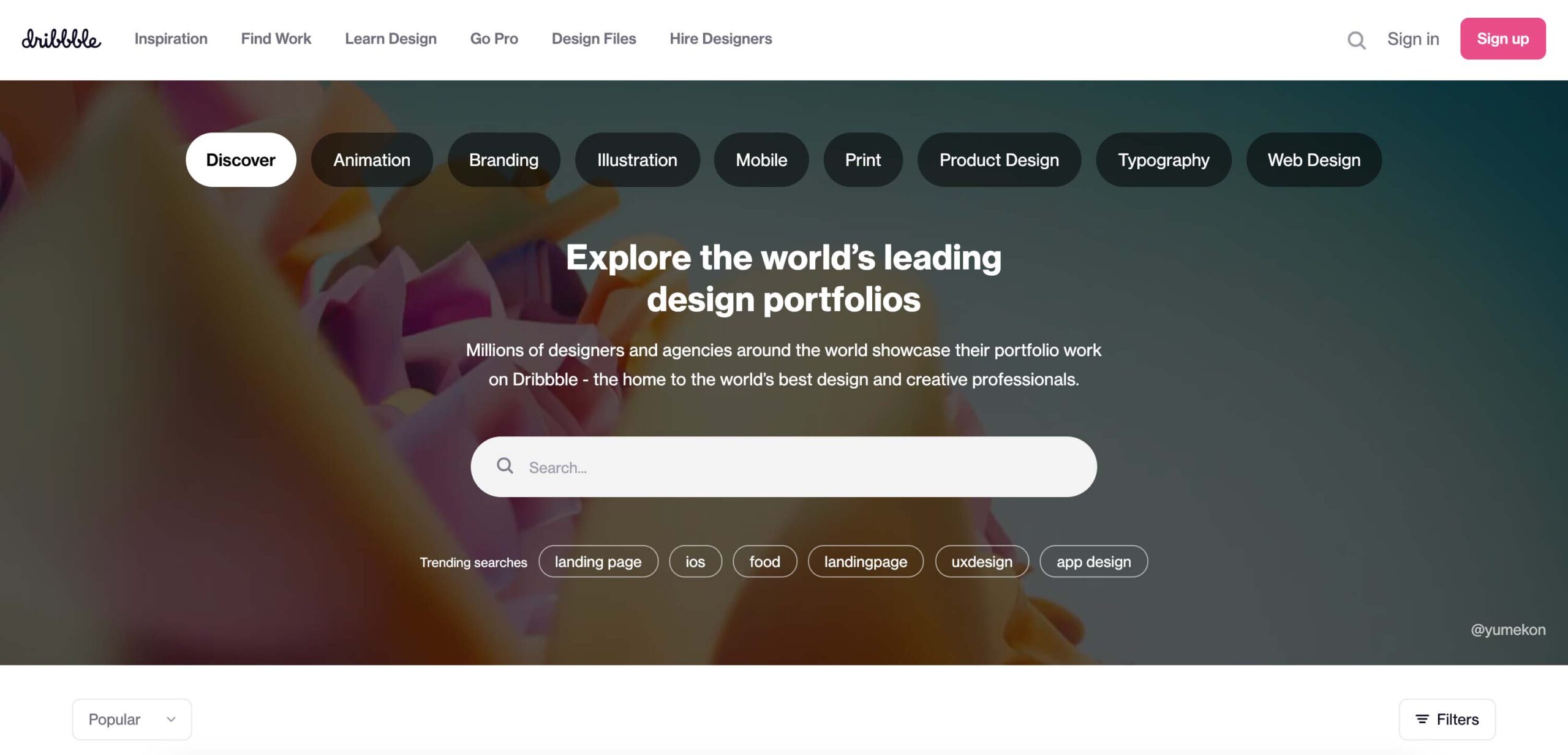
For designers, learning is a life-long pursuit. By connecting with the design community, creative professionals can refresh their minds and catch up with the latest trends and ideas. Behance and Dribble are your friends. Just browse designs during your lunch break and discuss them with fellow artists; the inspiration can go a long way.
The Latest

In The Red
PHP2Shell and Your Website: Build More, Patch Less
Learn what the PHP2Shell vulnerability means for WordPress security and how managed platforms like Webflow can reduce maintenance and security risks.

In The Red
The Most Dangerous Sentence in 2027: “We Know Our Audience”
Here’s why static audience personas are no longer enough and how AI-powered audience research can help brands test messaging and adapt in 2027.

In The Red
Elevated: Reflections on the Worldcom Public Relations Group’s North American Regional Meeting in Park City, Utah
Stefan Pollack reflects on the Worldcom Public Relations Group's North American Region meeting in Park City, Utah.

Solutions
Some communications challenges call for a more focused approach. The Pollack Group’s proprietary solutions combine decades of communications experience with specialized methodologies, technology and audience intelligence to help organizations solve specific business and reputation challenges. From strengthening messaging and preparing for a crisis to understanding audiences, elevating leaders and measuring how brands appear in AI-driven search, our solutions give organizations practical tools and insights they can put to work.
Leadership Now
Creating leadership platforms that are essential to building audience trust and confidence.